

Overview
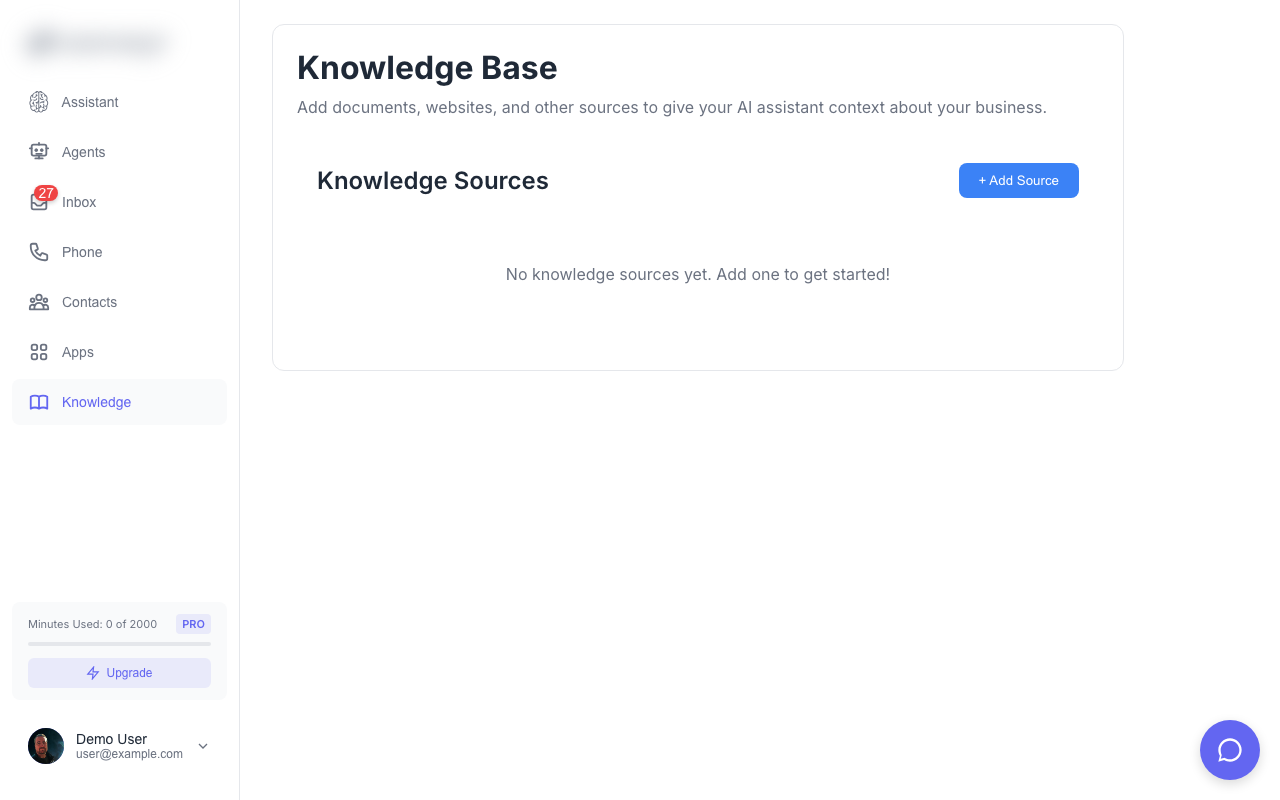
The Knowledge Base stores information that your AI agents can reference when answering questions. Add websites, documents, and custom content to give agents context about your business.Adding Knowledge Sources
From URL
Add content from any public webpage:Configure Sync
Choose how often to re-sync the content:
- Every 24 hours
- Every 7 days
- Every month
- Every 3 months
Protected Pages
For pages that require authentication: Bearer Token / API Key:- Enter username and password
- Credentials are encoded automatically
How It Works
- Fetch - Solo Mobile retrieves the webpage content
- Extract - Text is extracted and cleaned
- Chunk - Content is split into smaller pieces
- Embed - AI embeddings are generated for semantic search
- Store - Chunks are saved to your knowledge base
- The question is converted to an embedding
- Relevant chunks are found via similarity search
- Context is provided to the agent for answering
Managing Sources
Each knowledge source shows:- Title - Page title or custom name
- URL - Source location
- Status - Syncing, completed, or failed
- Chunks - Number of content pieces
- Last Synced - When content was last updated
Deleting Sources
Click a source to expand details, then click Delete to remove it and all associated content.Best Practices
Add your FAQ page
Add your FAQ page
Your FAQ or help center is a great first source - it contains answers to common questions.
Include product/service pages
Include product/service pages
Add pages that describe what you offer so agents can answer “what do you do?” questions.
Add location and hours
Add location and hours
Include your contact page with address, hours, and directions.
Keep content focused
Keep content focused
Add specific, relevant pages rather than entire websites. Quality over quantity.
Limits
- Maximum 50 knowledge sources per account
- Maximum 1MB per page
- Content is automatically chunked for optimal retrieval