

Overview
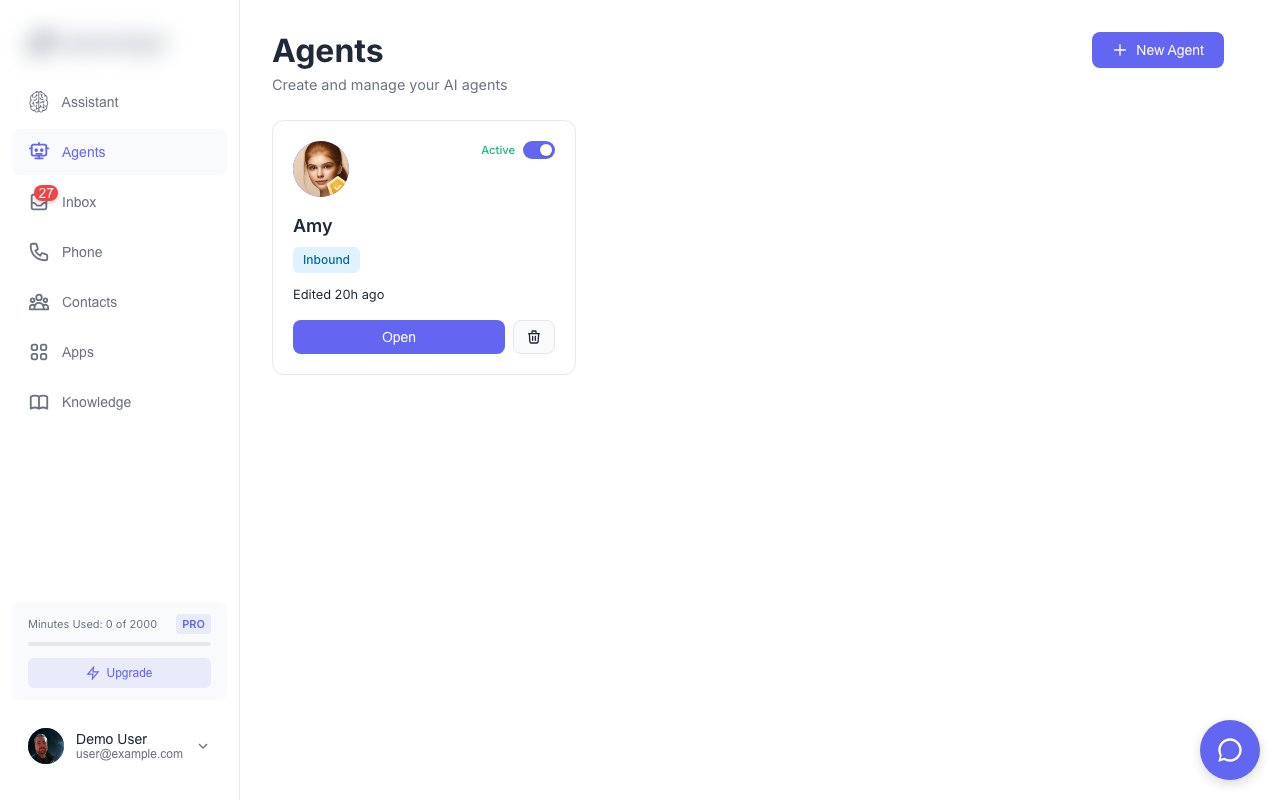
AI Agents are the core of Solo Mobile. Each agent is a customizable AI assistant that can:- Answer and make phone calls
- Respond to SMS messages
- Chat with website visitors
- Book appointments
- Transfer calls to humans
Agent Settings
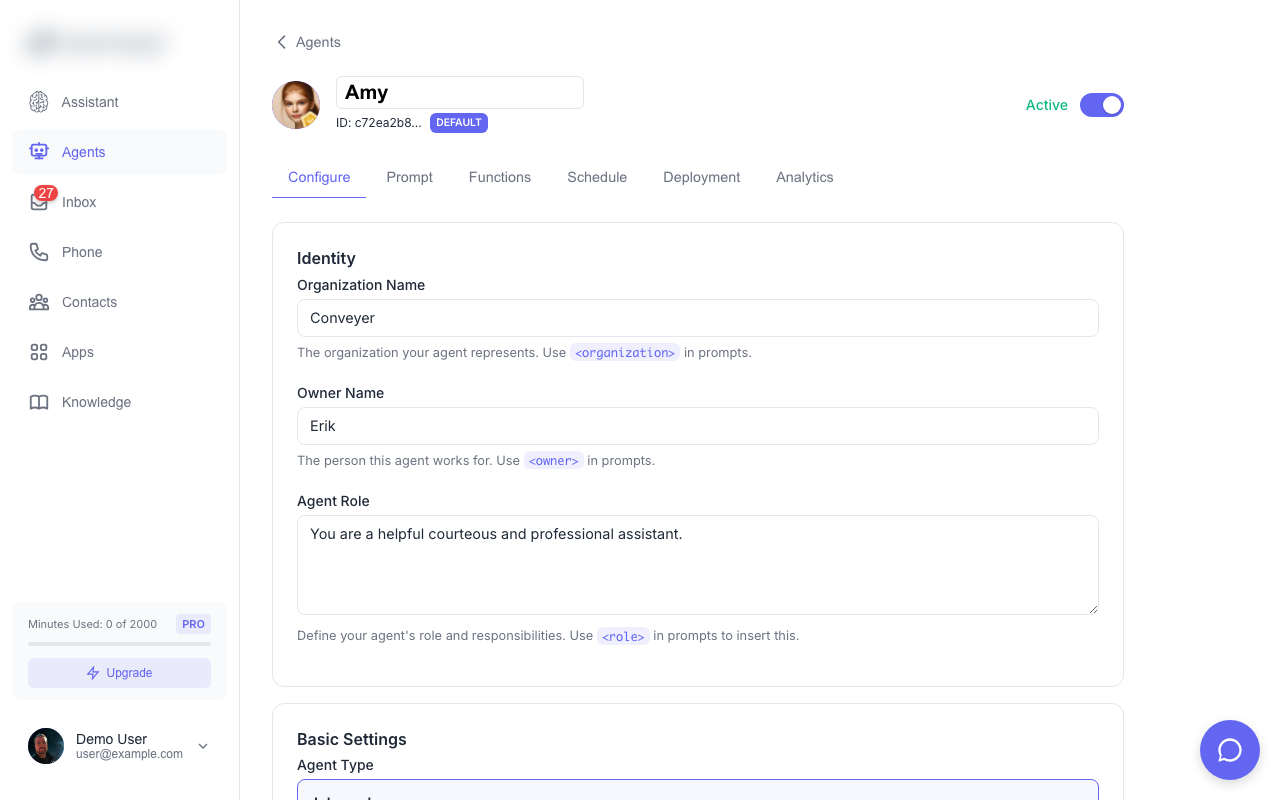
Basic Information
| Setting | Description |
|---|---|
| Name | The agent’s display name (e.g., “Sarah - Reception”) |
| Greeting | What the agent says when answering a call |
| Voice | The AI voice used for phone calls |
System Prompt
The system prompt defines your agent’s personality, knowledge, and behavior. This is the most important setting for customizing how your agent responds. Example system prompt:Voice Selection
Choose from multiple AI voices with different characteristics:- Male/Female options
- Various accents and tones
- Professional or casual styles
Deployment
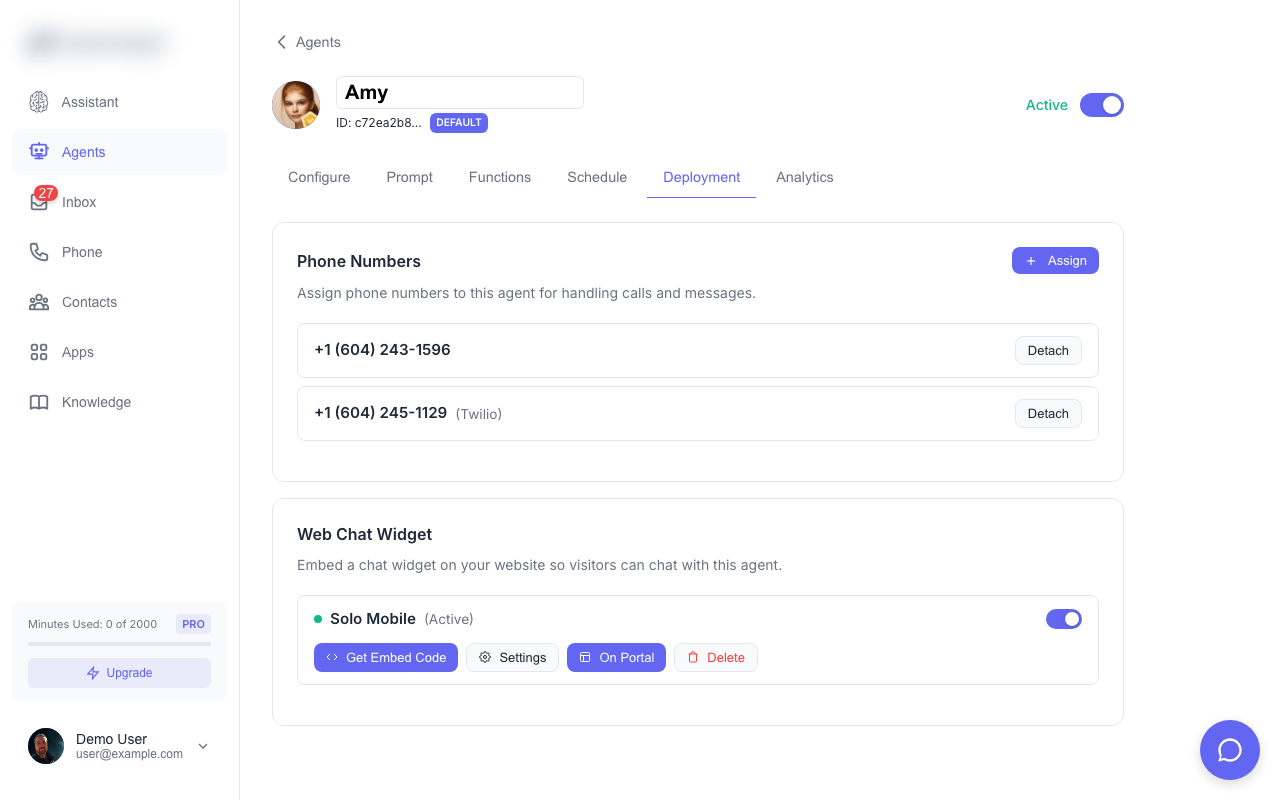
Phone Numbers
Assign an agent to one or more phone numbers. The agent will automatically answer inbound calls and can make outbound calls.Chat Widget
Deploy an agent to a website chat widget. Visitors can chat with your agent in real-time.Agent Schedule
Set business hours for your agent. Outside of scheduled hours:- Calls go to voicemail or a custom message
- Chat widget shows an offline message
- SMS can still be handled or queued
Create Your First Agent
Step-by-step guide to creating and configuring an agent